How to Advertise on ChatGPT: A Hands-On Guide to OpenAI Ads Manager
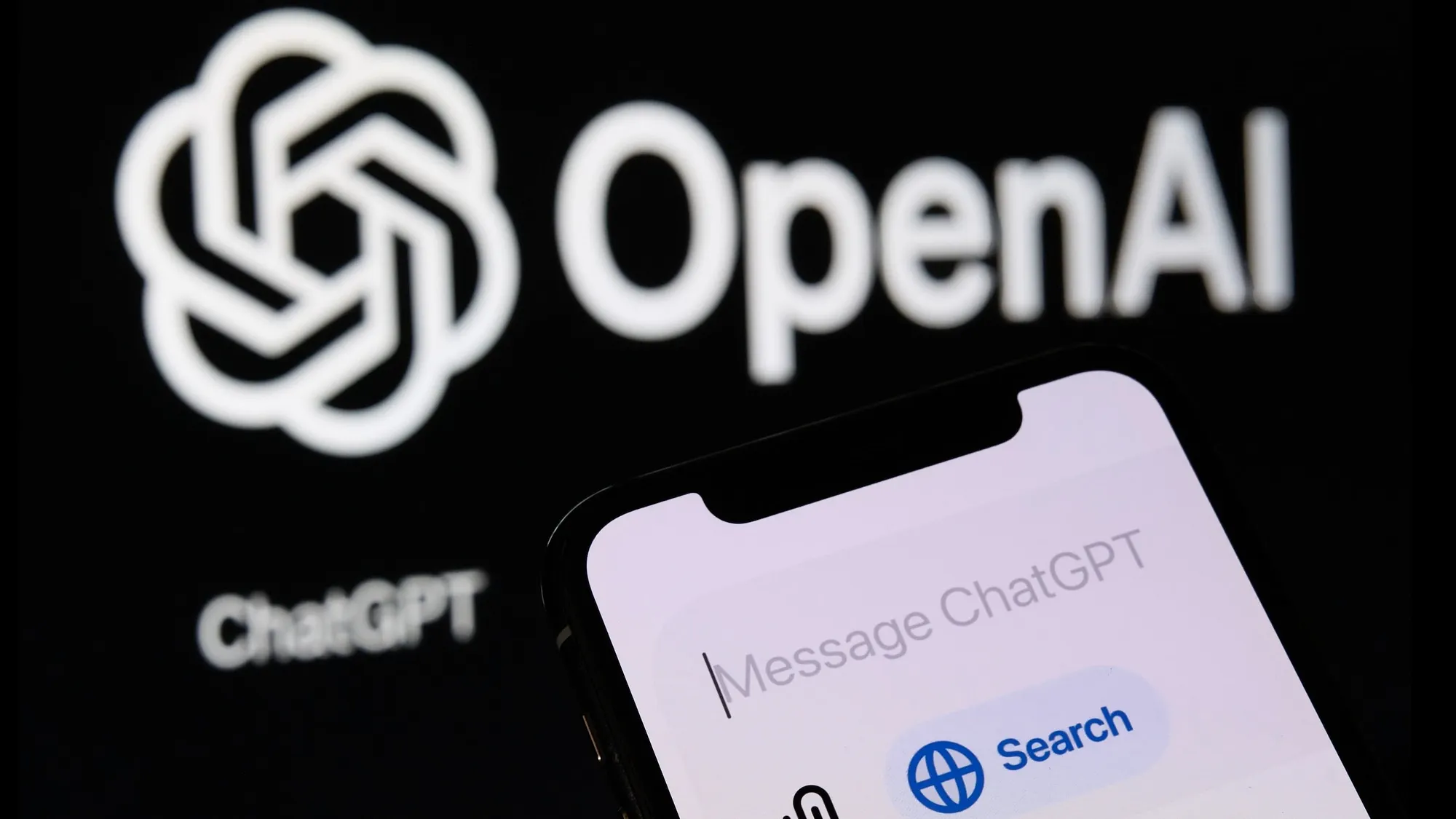
This is how you will run ads on ChatGPT: Open ads.openai.com, set a daily budget in yen, write a short headline, and your ad appears as a “Sponsored” card right under a ChatGPT answer. As of late June 2026, OpenAI launched a pilot program displaying advertisements in ChatGPT in Japan, the first market in Asia and the first non-English market where OpenAI is testing ads.
If you market a business in Japan, this is worth a little of your attention. A genuinely new advertising channel does not open very often, and this one works differently from search or social.
So let’s walk through it together: what is actually inside OpenAI Ads Manager today, how the pieces fit, and what each one means for you.
What OpenAI Ads Manager actually is
OpenAI Ads Manager is a self-serve platform for placing ads inside ChatGPT. Your ad shows up as a clearly labeled “Sponsored” card attached to ChatGPT’s response. For now, ads run on the free tier and the lower-cost Go plan (¥1,400 a month in Japan). People under 18 do not see them, and neither do users on the higher-priced plans.
Two design choices are worth knowing, because they shape the whole experience. OpenAI says your ad content does not influence the answers ChatGPT gives, and that user conversations are not shared with advertisers. The ad sits beside the answer, never inside it.
Then there is the reach, which is the headline number. ChatGPT is one of the most-used products in the world, reported at roughly 800 million to a billion weekly users through 2026. The free and Go tiers, where ads appear, make up a large share of that.
Here is the one mental model to carry with you for the rest of this guide. This is not search, and it is not social. You do not buy keywords, and you do not buy audience segments. Instead, you describe the kinds of conversations where your product belongs, and ChatGPT decides when your ad is genuinely relevant. Targeting by context is the whole idea, and once it clicks, the rest of the platform makes a lot more sense.
First things first: which businesses can advertise right now
Before you fall in love with the idea, let’s make sure it is open to you yet. It is a quick check, and doing it first can save you real time.
During the beta, OpenAI is keeping the list of advertiser categories short. Its ad policies currently welcome four consumer verticals: household and consumer goods, local services, travel and entertainment, and digital products and education. If your business lives in one of those, you are good to go.
A few categories are restricted rather than open. Financial services, healthcare and medicine, and legal services can run, but only for approved advertisers reviewed case by case. Everything else is on hold for now, including the categories you would expect, like gambling, alcohol and tobacco, adult content, political content, and unsupported health claims.
Behind the scenes, review happens at three levels: the advertiser (is your business in an allowed category?), the ad creative and its landing page, and the placement (does the ad sit next to a relevant, brand-safe conversation?). Most of it runs on automated systems, with human reviewers stepping in for the borderline cases.
So the very first payoff of reading the policy is saved effort. Confirm your category fits, and you can build everything else with confidence.
Opening your account
Account creation runs through ads.openai.com, and the experience is properly localized. Japanese businesses can now choose Japan as the country, JPY as the currency, and Japan Standard Time, with the whole interface in Japanese. You pick corporate or individual as your advertiser type and go from there.
One thing to handle early is business verification. You are allowed to start a campaign before verification clears, but delivery can be paused until it does, so it is kinder to your launch plans to sort it out up front. Verification uses your corporate number, with JPCN and JPRN offered as tax-ID types.
If you run ads for clients like us, here is an important heads-up. You cannot create a client’s account on their behalf. There is no shared manager account like Google’s MCC or Meta’s Business Manager. The advertiser has to open their own account first, then invite your team in. It is a small structural quirk, easy to handle once you know it. The trick is to build that handoff into your onboarding, with a short, friendly setup guide the client can follow in a few minutes.
Building a campaign: objective, location, and budget
Once you are set up, building a campaign is a friendly three-step flow: your business information, then the campaign itself (campaign, then ad group, then ad, then a review screen), then billing.
Here is what to expect at each decision point:
Objective. You have two choices today. Clicks, where you pay per click (CPC), and Reach, where you pay per impression (CPM). You will also spot a Conversion objective in the interface, but it is greyed out for now. The measurement to support it already exists (more on that shortly), so it is reasonable to expect this option to switch on later.
Location. Targeting is country-level only at the moment. The list covers All, the United States, Australia, Canada, Japan, New Zealand, South Korea, and the United Kingdom. There is a field to type another location, but it does not do anything yet, and you cannot narrow down to Tokyo, Osaka, or any prefecture or city. For a local business, that is a genuine limitation today, so let’s talk about how to work around it.
Two simple moves help. First, put the place name into your context hints, for example “Tokyo hair salon.” Second, name the area in the ad copy itself, for example “serving central Tokyo.” The first nudges where you tend to appear, and the second gently discourages clicks from the wrong region, which keeps your click quality higher and your budget working harder.
Budget. You set a daily amount in yen. In these early days, the advertisers who have opened accounts are reporting a floor around ¥2,500 per day. One thing to get right the first time: the budget type, daily or campaign-total, is locked when you create the campaign and cannot be changed afterward. The amount itself, happily, you can adjust any time.
Targeting the OpenAI way: context hints
This is the part that is genuinely new, and honestly the most interesting. The real targeting control is a field called context hints. OpenAI’s own description, right there in the interface, is to describe the conversations, topics, or keywords related to your product, with a note that these are guidance for matching, not exact-match rules.
Sit with that for a second, because it is a real shift. Google matches your keyword to a search query. Meta matches your ad to a user profile. ChatGPT matches your ad to what someone is actually talking about in the moment. Early advertisers are finding that longer, more specific descriptions earn more impressions than short keyword lists. So write the situation, not the keyword: the moment, the problem, and the kind of decision the person is trying to make. If you have ever wished you could just explain your ideal customer to the algorithm in plain language, this is that.
Bidding, for now, is manual CPC only. You set a maximum cost per click. In the Japanese interface, a bid under ¥500 triggers a gentle “too low for stable delivery” warning, while ¥500 or more is flagged as competitive. There is no automated or target-CPA bidding yet, so if you grew up on smart bidding, you are back to setting bids by hand for a while. It is a small adjustment, and it gives you a clear feel for the auction while the channel is young.
Creative: small, native, and honest end to end
An ad here is made of just a few parts: a square company logo (PNG or JPG), a destination URL, a headline of up to 50 characters, a description of up to 100 characters (with a 3-character minimum), and a square image (PNG or JPG, 256×256 px or larger). That is it.
It renders as a tidy card with a “Sponsored” label next to your brand name, sitting inside the conversation rather than interrupting it. You can add several ads to a single ad group, which makes testing easy.
There is one firm rule from OpenAI’s policies, and it is a good one: your ad and its landing page have to match end to end. An approved creative cannot link to a destination that introduces disallowed content, the classic example being a food-delivery ad that links to an alcohol-delivery page. So tight, honest copy that matches the page it points to is not just good practice here. It is a condition of approval, which is actually reassuring, because everyone is playing by the same clear rules.
Measurement and product feeds: more mature than you would expect
For a beta, the back end is impressively grown-up. If you like clean measurement, you will feel right at home.
The Advertiser API. You can issue an API key in the Settings tab, scoped to a single ad account, and manage everything programmatically. OpenAI’s Advertiser API covers Campaigns, Ad Groups, Ads, Files, and Insights. There is no desktop editor like Google Ads Editor yet, so the API is your practical route for bulk management or automation.
Conversion tracking. There are two methods, designed to work together: a JavaScript Pixel in the browser and a server-side Conversions API. You run both and de-duplicate with a shared event ID. If you have set up Meta’s CAPI before, this will feel familiar. Attribution uses a privacy-preserving click ID called oppref that you capture from the landing-page URL and pass back with your events. As with everything else here, OpenAI says advertisers receive aggregated performance, not access to anyone’s conversations.
Why bother setting this up before the Conversion objective is even live? Because the plumbing already works. Install the Pixel and Conversions API now, and you will be ready to optimize from day one the moment conversion campaigns open. It is the kind of quiet head start that pays off later.
Product feeds. You can upload a feed over SFTP to keep your products, prices, and stock current. If you are on Shopify, even nicer: your catalog already syncs to ChatGPT automatically, with no separate upload. And this matters well beyond ads. The same feed powers product discovery inside ChatGPT, where the assistant can surface your items in an ordinary conversation, and you control per product whether something shows in results, as an ad, or both. With OpenAI building checkout and an Agentic Commerce Protocol into ChatGPT, getting your catalog indexed cleanly is quietly becoming a channel of its own.
A simple structure to start with
Because you cannot optimize to conversions just yet, the usual “one campaign, many ad groups” setup does not buy you much right now. A friendly approach in these early days is what some advertisers call “n-1–1”: several campaigns, each with a single ad group and a single ad, each controlled by its own daily budget. It is a little manual, but it gives you clean, visible control of spend per segment while the matching algorithm is still young. Scheduling with start and end dates is supported too, so limited-time promotions work nicely.
What this signals about the future of digital marketing
Let’s zoom out for a moment, because this is bigger than one beta. For about a decade, paid discovery really had two big surfaces: search and social. ChatGPT is quietly becoming a third, and it runs on a different signal. Not the keyword someone types, and not the profile a platform assembled about them, but the live context of what a person is trying to do right now.
That rewards a slightly different skill. Being recommendable inside an AI conversation, sometimes called GEO (generative engine optimization), is starting to matter as much as ranking in search. Clean product data, clear positioning, and copy written around real customer moments travel much further than keyword stuffing ever did.
If you are weighing up Japan specifically, the timing is genuinely interesting. Japan is one of OpenAI’s first ad markets, the interface is fully localized, and competition on the channel is still thin while it is in beta. Early, low-cost familiarity with a new channel tends to compound, and that is especially true in a market where presence and trust are built patiently, over time.
We would also gently keep the caveats in view, because honesty serves you better than hype. This is a beta. Categories are narrow, geography is coarse, bidding is manual, and the rules will keep changing. The healthy way to treat it is as a learning budget, not a core performance channel, at least until the conversion tooling and broader categories open up.
Your simple game plan for this week
Here is the encouraging part: you do not need to launch a campaign to get value out of this. You just need to get familiar before your competitors do. A short checklist to start:
- Check your category against OpenAI’s ad policies first. If you are not in an open bucket yet, keep an eye on the space instead of building.
- Open an account at ads.openai.com and walk through the full campaign builder, even without launching. It is the fastest way to get a feel for it.
- Install the Pixel and Conversions API now, so your measurement is ready the moment conversion campaigns open.
- Get your product feed, or Shopify catalog, indexed cleanly in ChatGPT.
- Write your context hints as situations, not keywords.
A conversation-based ad channel asks for a slightly different muscle than search and social, and that is exactly why getting in early is such an advantage. The brands that learn it now, while it is still cheap and uncrowded, will be the ones it works for first. You are not late. You are right on time.
Thinking about Japan as your next market? A new ad channel opening locally is exactly the kind of early signal worth planning around. At Tokyo Digital Marketing , we help international brands grow in Japan with culturally-informed strategy, not just translation. If you would like to be among the first to advertise on OpenAI in Japan, we would love to help you set up your own account and turn this early window into real growth. Let’s talk.